 ToDoDo
How it works
Five habits, and ToDoDo has a place for each.
1. Capture
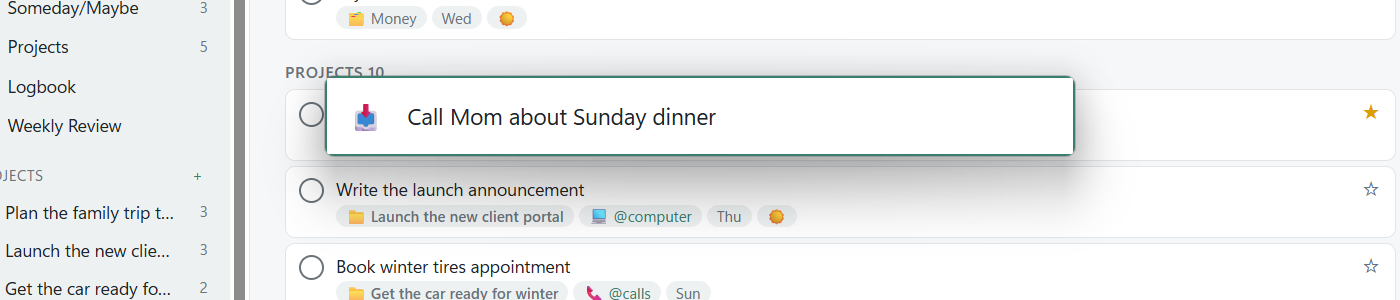
Anything that has your attention goes into the Inbox: an idea, a promise, a bill, a book someone mentioned. Don't decide anything yet. Type it in the box at the top of the window (Ctrl+N), or press Ctrl+Alt+Space from any app on Windows.
2. Clarify
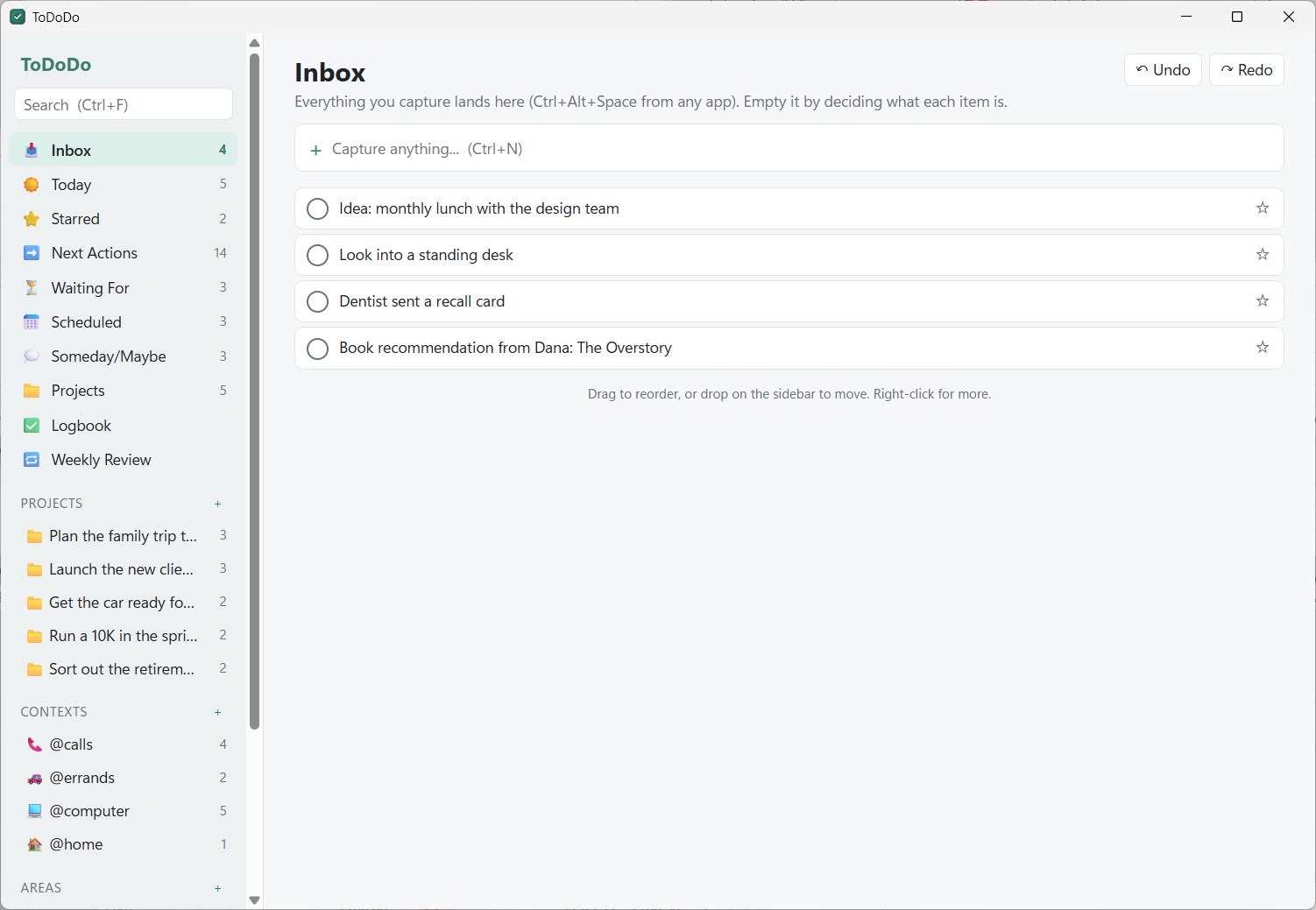
Once a day, empty the Inbox. For each item, ask: is it something to do?
- Two minutes or less: do it now and tick it off.
- One step: drag it to Next Actions.
- Someone else's move: drag it to Waiting For and note who.
- Several steps: right-click, Make it a project.
- Not now: Someday/Maybe.
- Nothing to do: delete it, or keep it as a note.
3. Organize
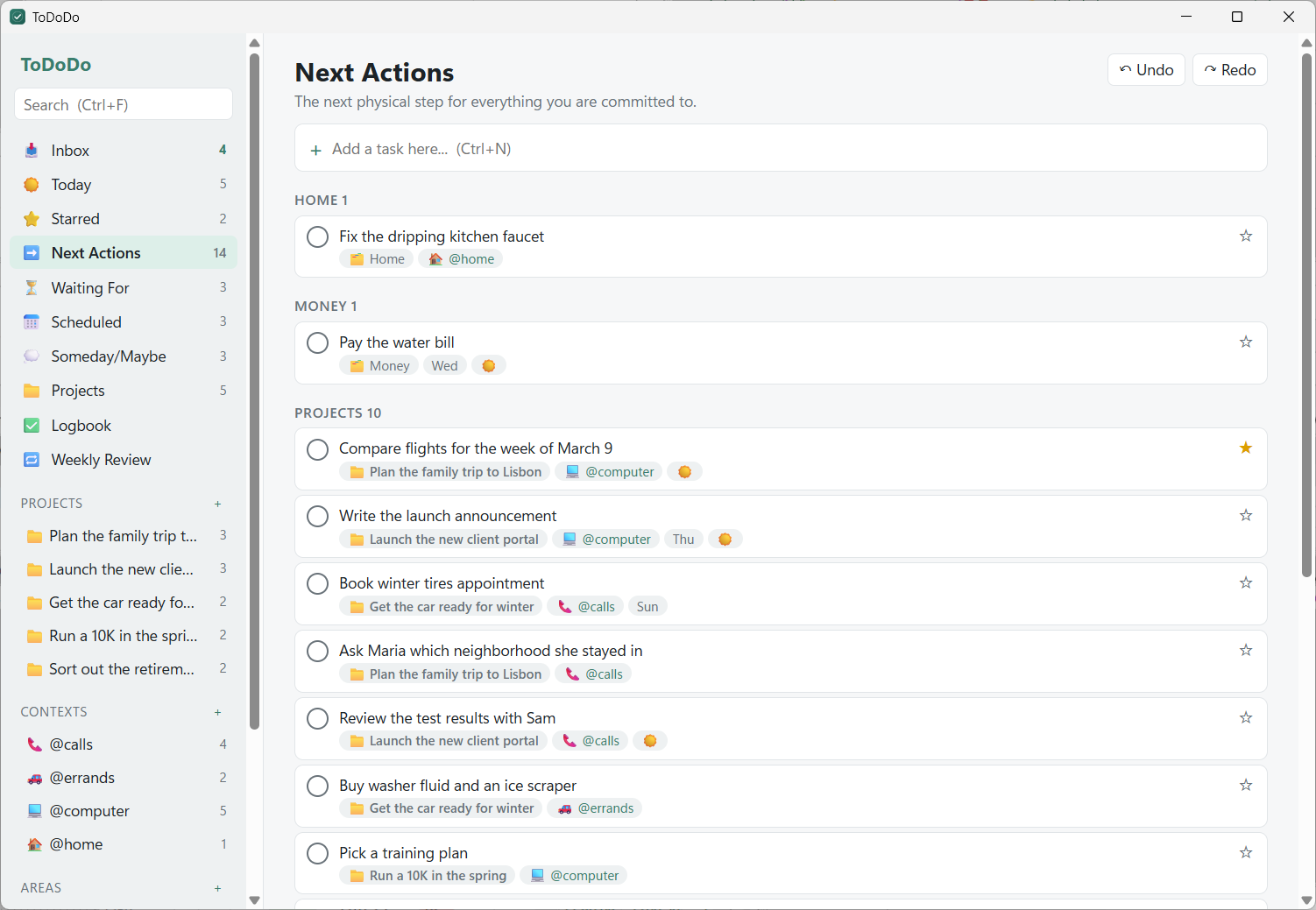
Give tasks a project, an area (Home, Work, Money...) and contexts (@calls, @errands). Add a due date only when there really is one. A task due far ahead waits in Scheduled and comes back two weeks before it's due. Repeating tasks, like a monthly bill, stay in Next Actions and move to their next date when you tick them.
4. Do
Work from Today: what is due, overdue, or what you picked for today. When you're out, open a context like @errands and see only what you can do there.
5. Review weekly
Once a week, open Weekly Review: empty the Inbox, check that every active project has a next action, look over Waiting For and Someday. It takes twenty minutes and keeps you trusting the lists.
And if you get it wrong
Undo (Ctrl+Z) takes back any change: a tick, a move, a deletion, a whole project merged into another. Keep going back as far as you need.