 ToDoDo
Microsoft To Do is going away. Your lists don't have to.
ToDoDo is a task manager built around Getting Things Done: capture everything into one Inbox, decide what each item is, and always see the next step. It brings your Microsoft To Do lists across, and it undoes anything, including a task you ticked off by mistake.
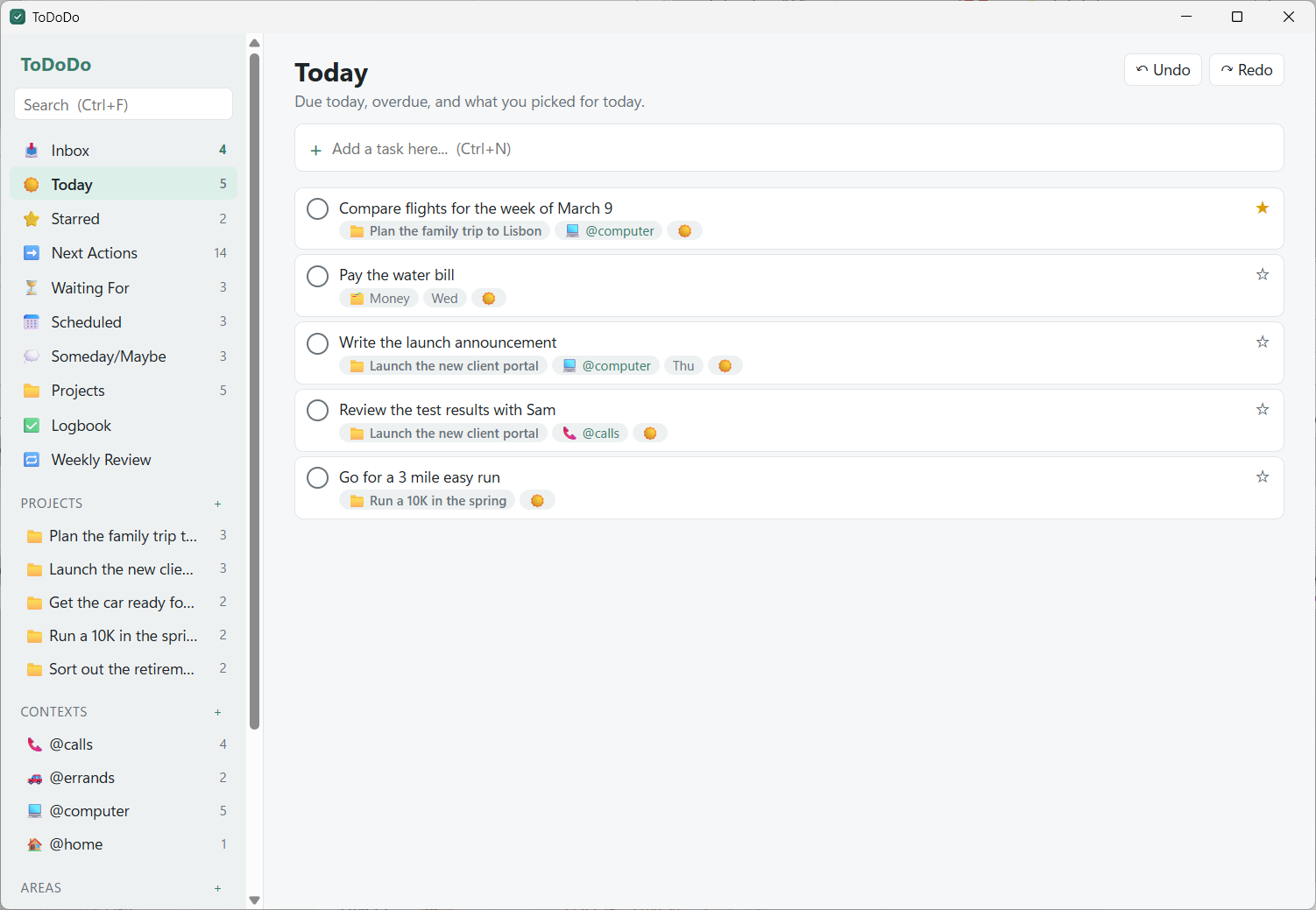
Getting Things Done, without the setup
The lists GTD asks for are already there. You don't build a system out of tags and folders: you just use it.
One Inbox for everything
Type it in the box at the top, or press Ctrl+Alt+Space in any app on Windows: a small box appears, you type, press Enter, and you're back to what you were doing.
Next actions, waiting for, someday
Every task is in exactly one place, so nothing gets lost. Drag it onto the sidebar to move it.
Projects and areas
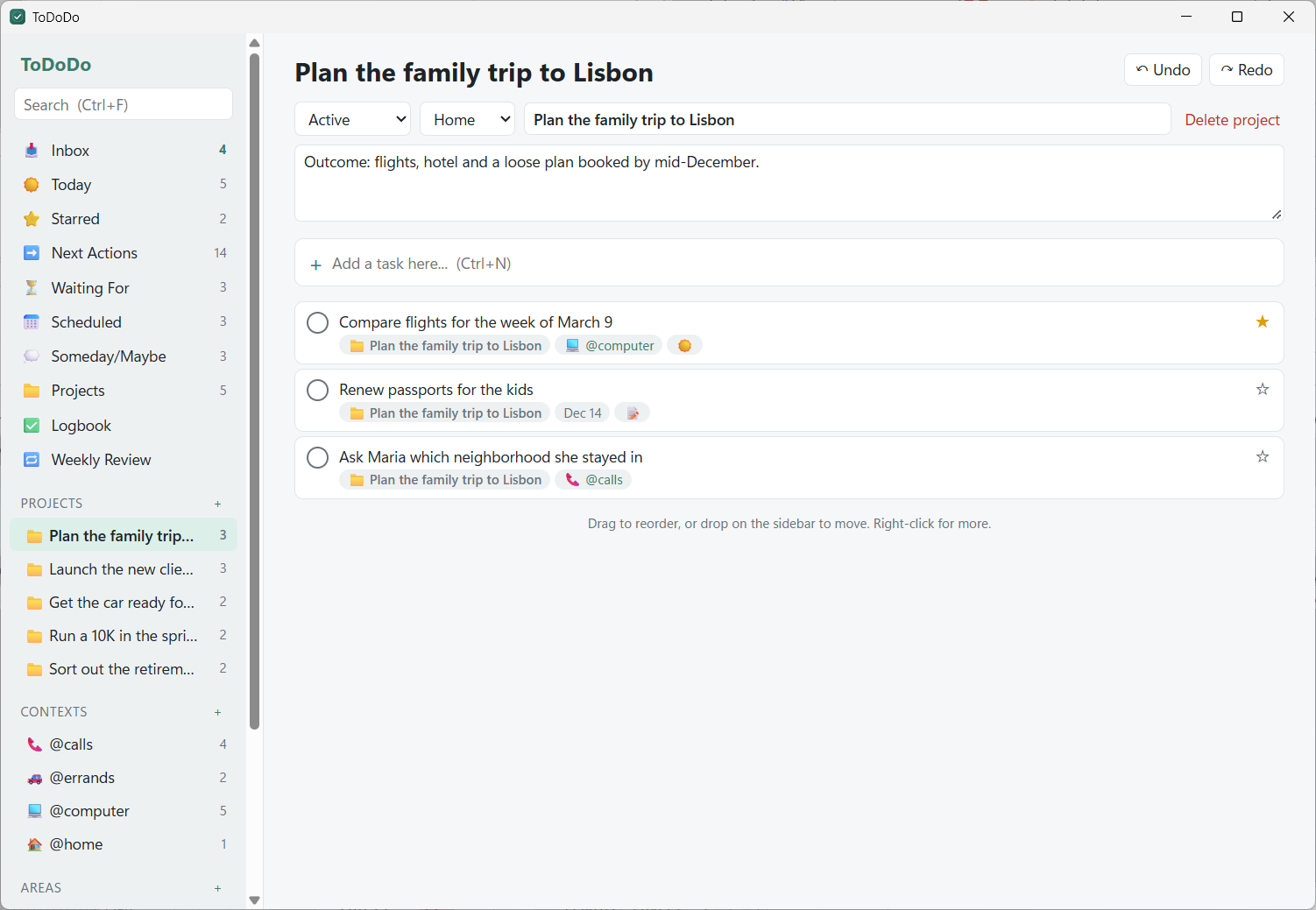
A project is an outcome with several steps; an area is a part of your life you keep up, like Home or Money. Each project shows its next actions.
Contexts
@calls, @errands, @computer: see everything you can do where you are, with what you have.
Dates that stay out of the way
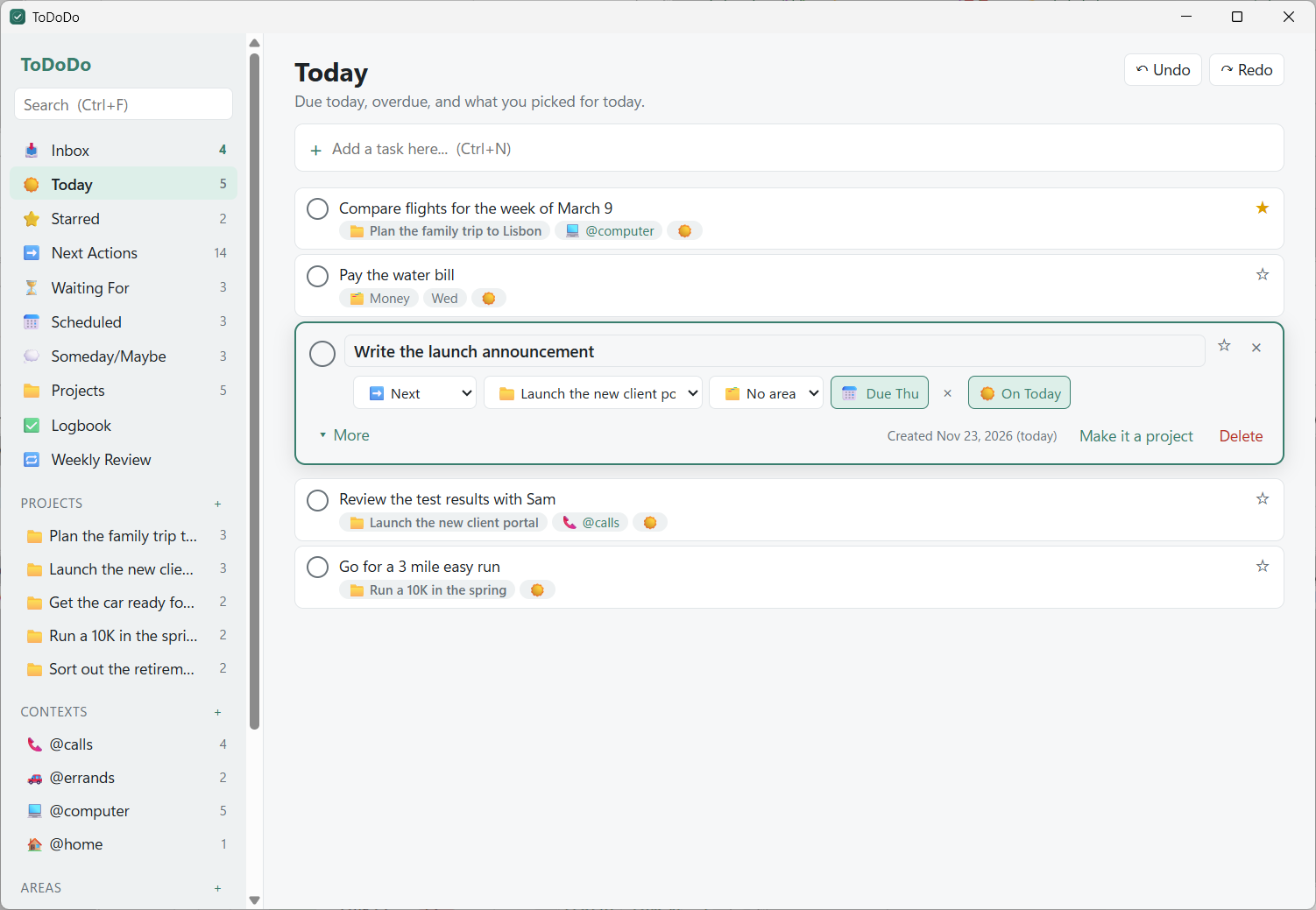
A task due months from now waits in Scheduled and comes back on its day, or a few days early if you choose. Lists sort by due date, starred items first.
Undo for everything
Ticked the wrong task, moved a whole project, deleted a list? Undo, as many steps back as you need. To Do never had it.
Yours, on every device
Turn on sync and ToDoDo keeps your computers the same. Everything is encrypted on your device before it leaves it, with a key only your devices have: the sync server stores data it cannot read. Adding the iPhone is one scan of a QR code.
Coming next
The iPhone app with Siri ("Add a task in ToDoDo"), reminders on the phone, and a way for AI assistants like Claude to read and update your lists when you ask them to.